Interface
Coding Screen
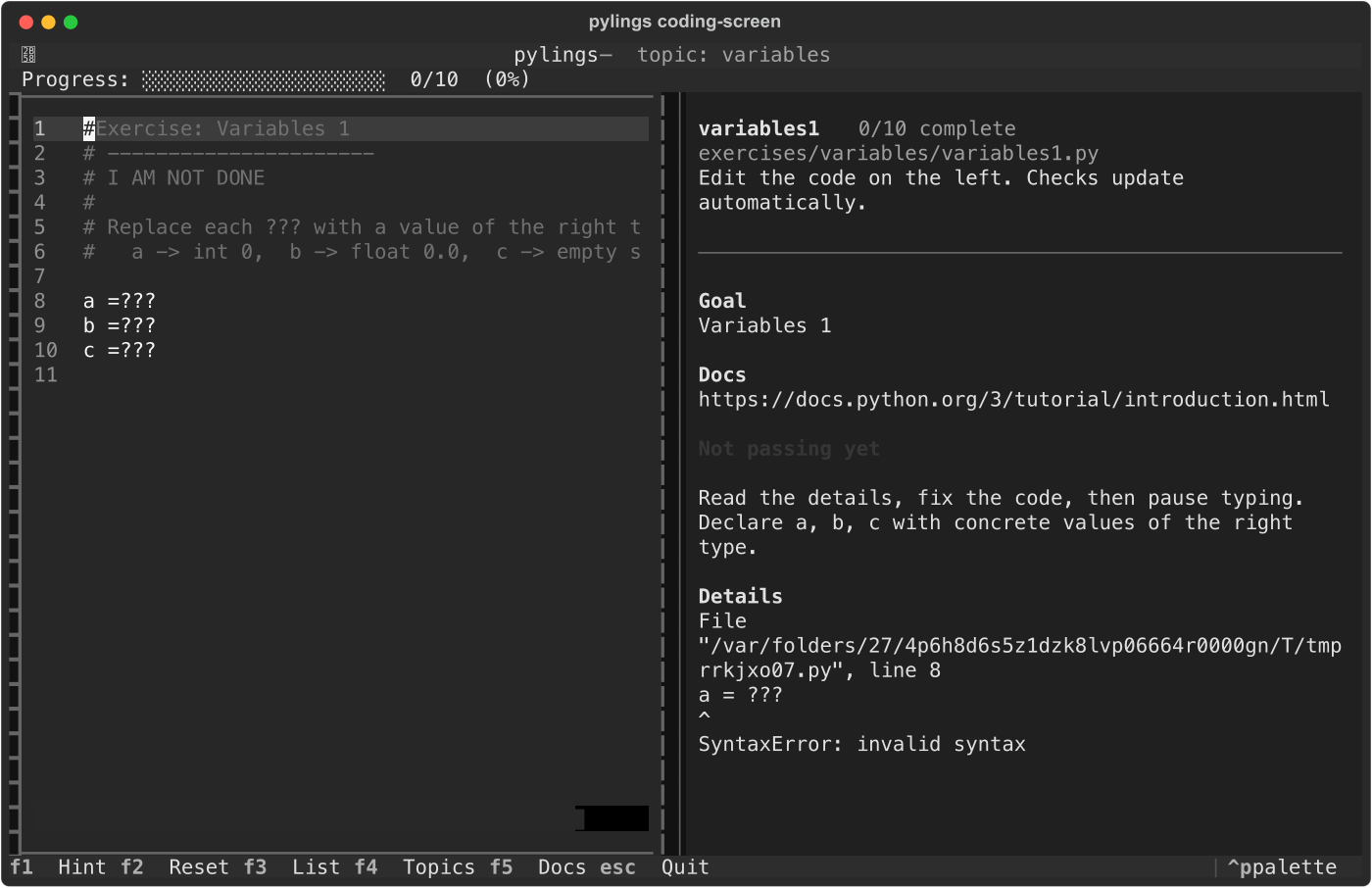
The coding screen keeps the exercise, editor, output, progress, and exercise list in one terminal view. Checks rerun automatically after each edit (debounced).
Topic Picker
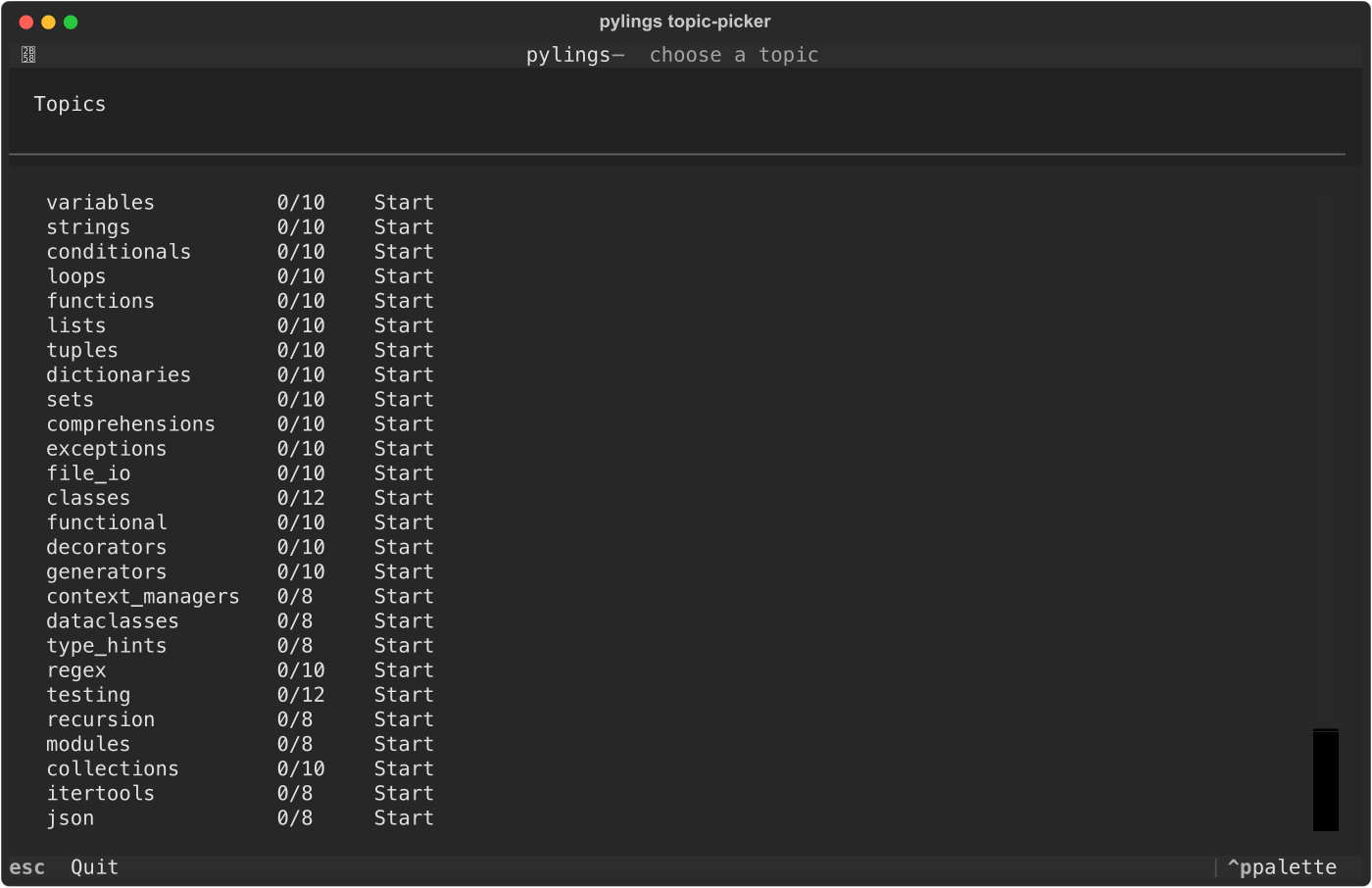
The topic picker shows curriculum progress by topic and lets learners jump back to a topic without leaving the terminal.
Local Docs Window
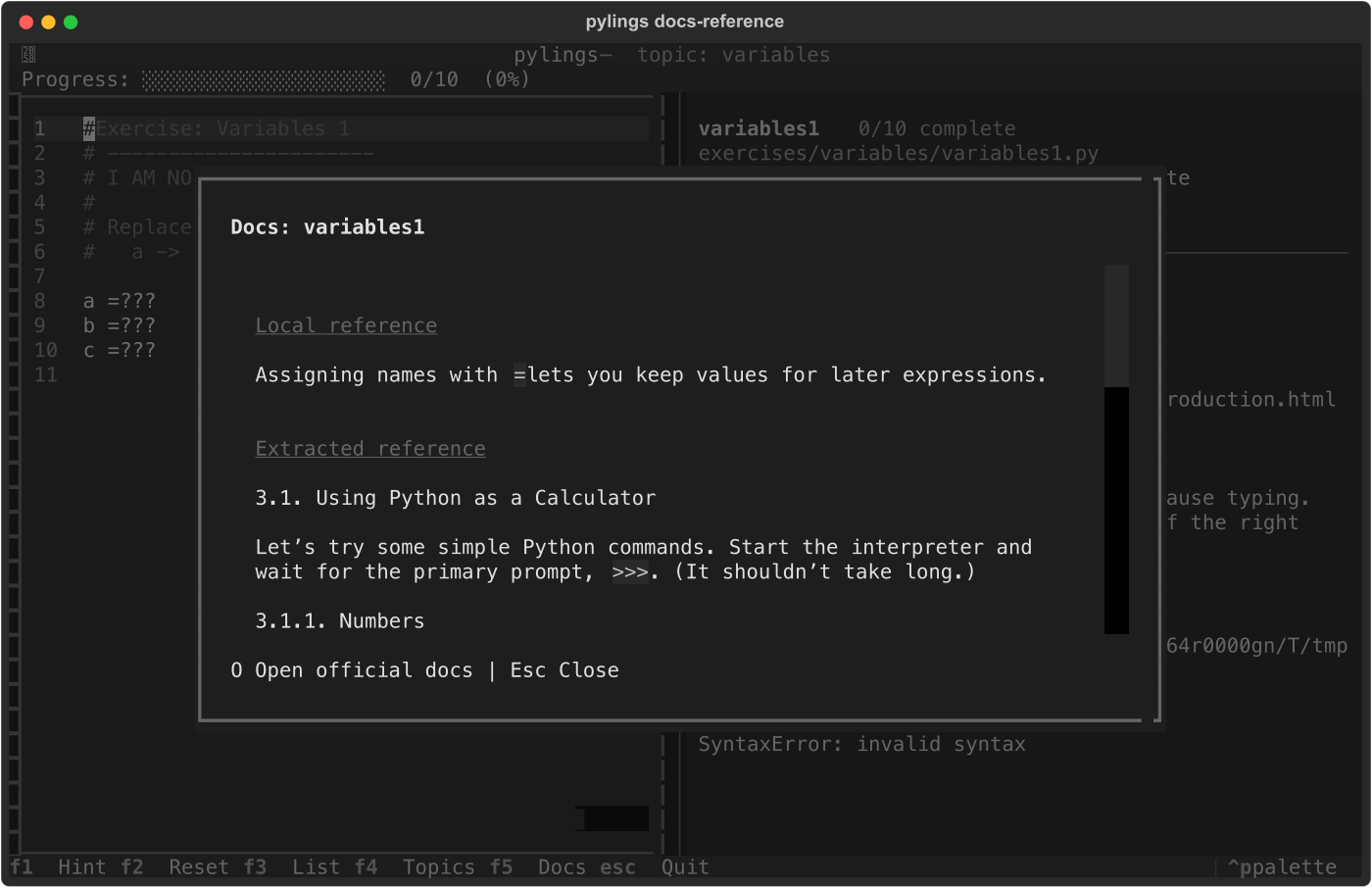
The docs window opens bundled Python reference snippets for the current
exercise. Press O from that window to open the official Python docs page.
Key Bindings
| Key | Action |
|---|---|
F1 |
Toggle hint |
F2 |
Reset the current exercise |
F3 |
Toggle the exercise list |
F4 |
Return to the topic picker |
F5 |
Show the local Python reference |
O |
Open official docs from the reference window |
Esc |
Close docs, or quit from main screens |
Ctrl+Q |
Quit |